
Yes, there is a desktop version!
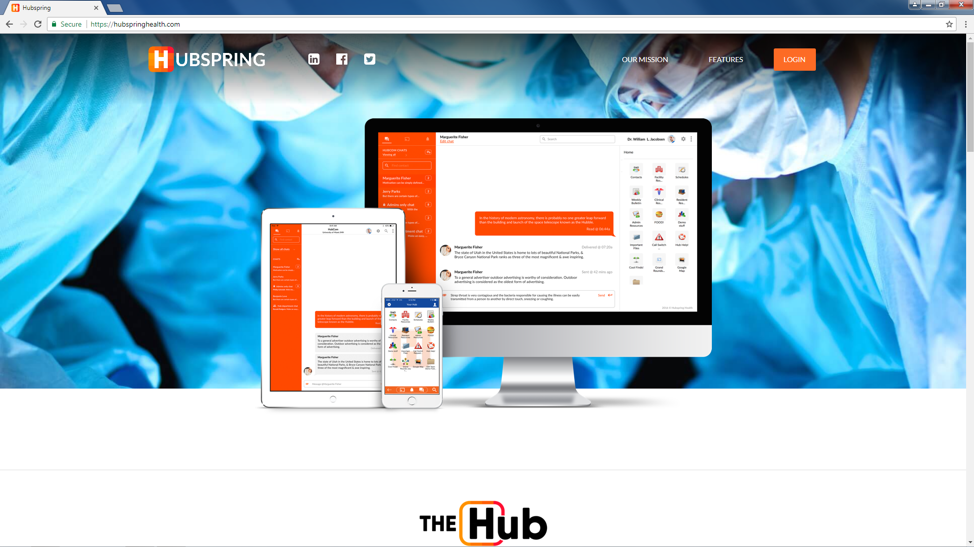
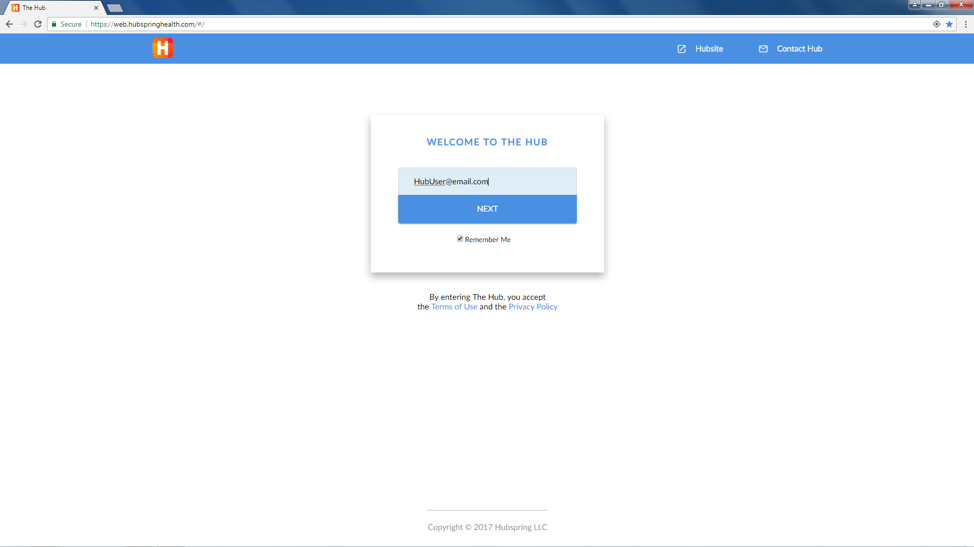
Using Google Chrome go to www.hubspringhealth.com and click Login on the top right corner. Then sign into your Hub account.
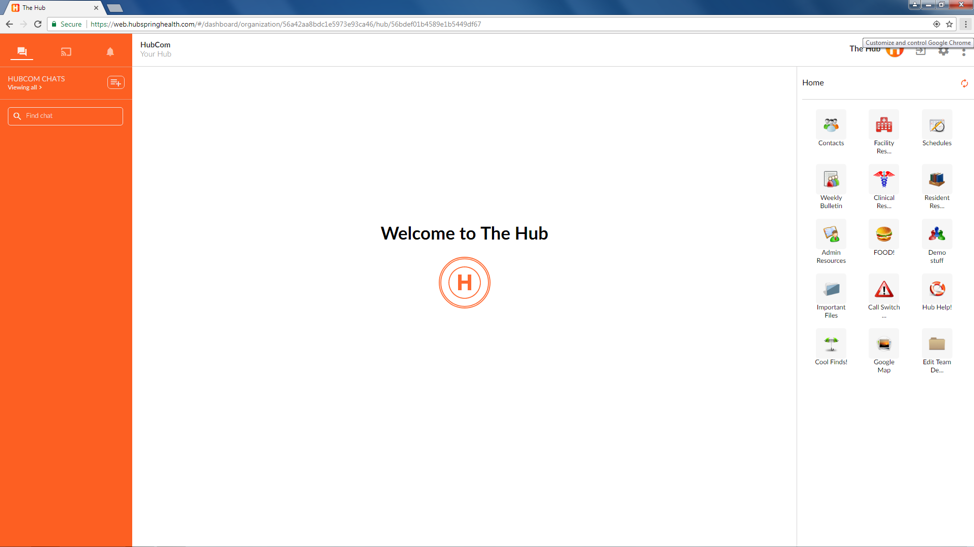
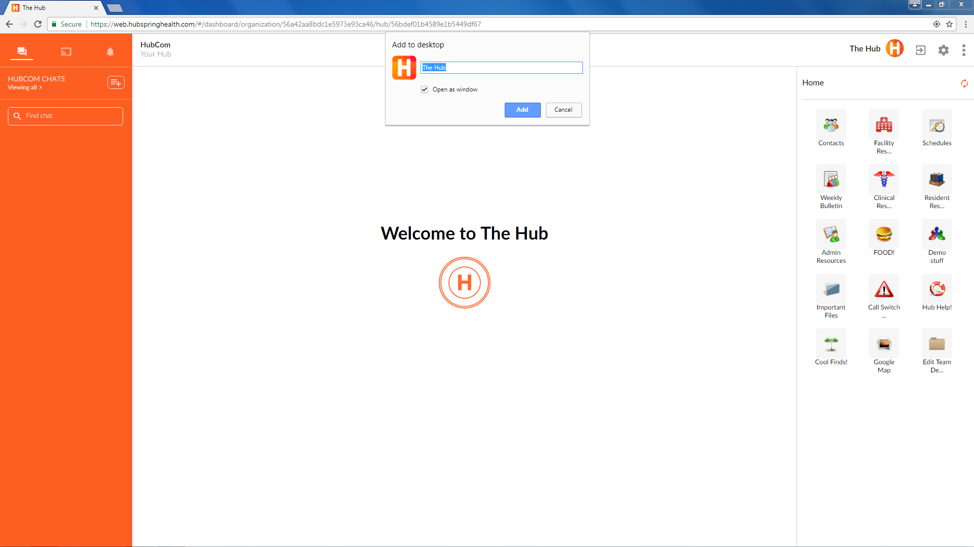
Then select the 3 dots on the top right corner to customize and control Google Chrome. A dropdown will then appear. Please select more tools, then select add to desktop.
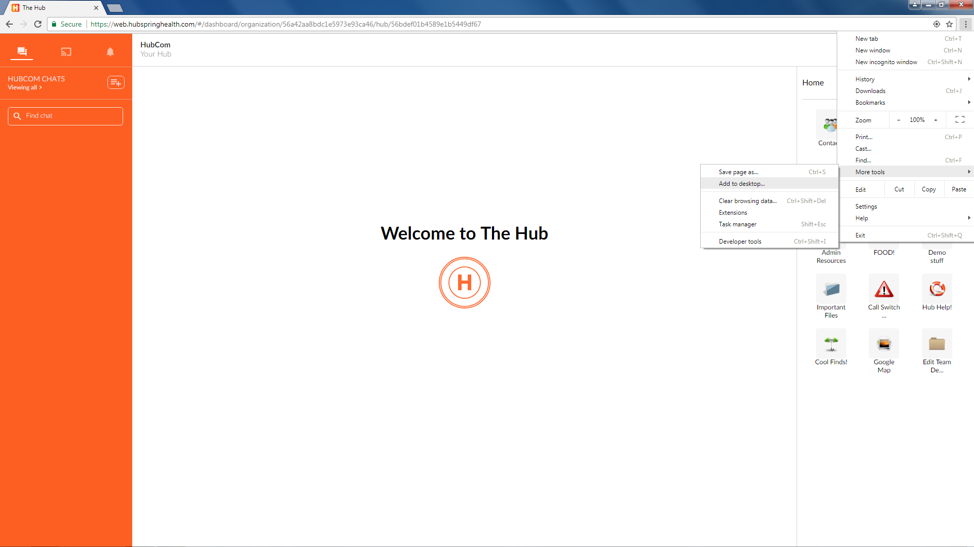
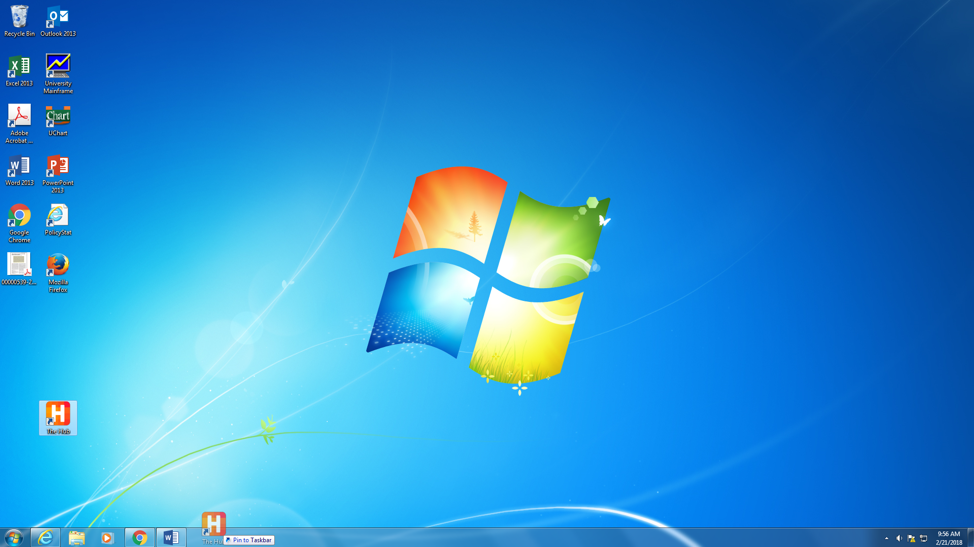
You will then be prompted to title it and press add. It will then appear as an application on your desktop.
Comments
0 comments
Please sign in to leave a comment.